
How to Have a Family Trivia Night with Blueprints Amazon Echo with VIDEO
This post “How to have a Family Trivia Night with Blueprints Amazon Echo with VIDEO” was sponsored by Amazon as part of an Influencer Activation for Influence Central and all opinions expressed in my post are my own.
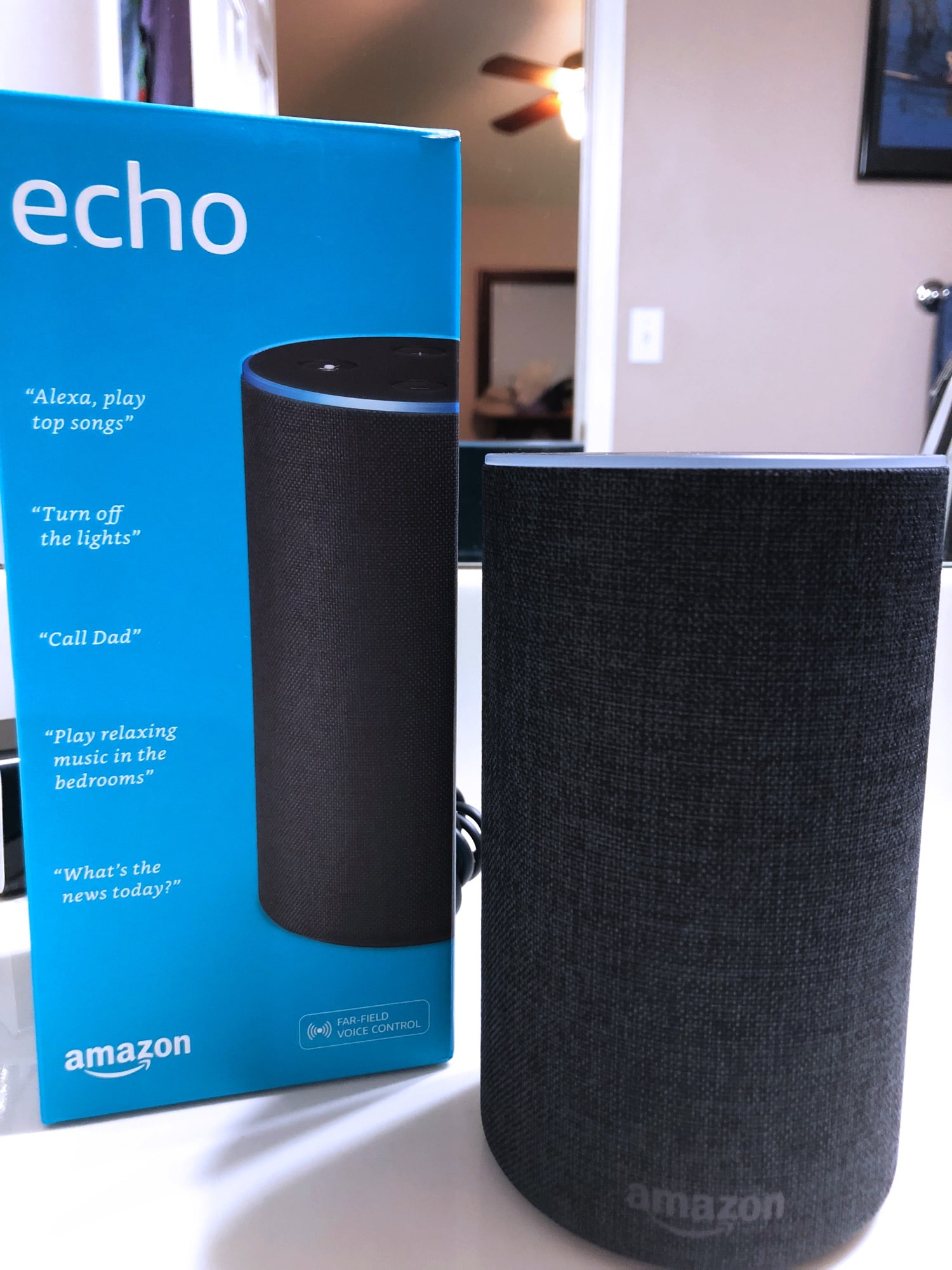
Our house is slowly becoming smarter and smarter. It started with one Amazon Echo, and then a Dot, and then another. Then we added in a smart thermostat and a smart TV. Is our house now smarter than a 5th grader? Jury is out, but I’m sure my 5th grader would say no.
Admittedly, we don’t use a ton of the features Amazon Echo has to offer because we don’t have a full smart home, but we do use quite a few of them, including calling between rooms, and using the “drop-in” feature when the girls aren’t answering. The kids also enjoy the skills like Jeopardy games and twenty questions that are available in the skill store. But, sometimes they can get hung up on the questions.
Alexa Skill Blueprints
This is where Alexa Skill Blueprints come in handy for our family. Of course, Alexa is always ready to help or entertain in ways that matter to you and your families, but with the Blueprints, you can create your own skills that are customized for your family and even personalized for individuals in your family.
With Blueprints, we are able to personalize our Echo and make our own skills perfect for our family in just minutes, with no coding required. These become your own Alexa skills for personal use on your Alexa-enabled devices. There are a ton of options (20 templates in six categories) that you can personalize: personalized flash cards, make your own family game, build household chore charts, and much more. If you have a birthday girl or boy coming up, you can create a party quiz customized just for her/him, create a welcome guide for house guests (including Wi-Fi password and spare key location), or do what we did and make some custom trivia questions or a fairytale or adventure story where your child can inject themselves into the story.

How do I create a Blueprint?
To hear a sample Blueprint, just ask, “Alexa, let’s try a Blueprint.” Then, if you are ready, go to blueprints.amazon.com to get started.
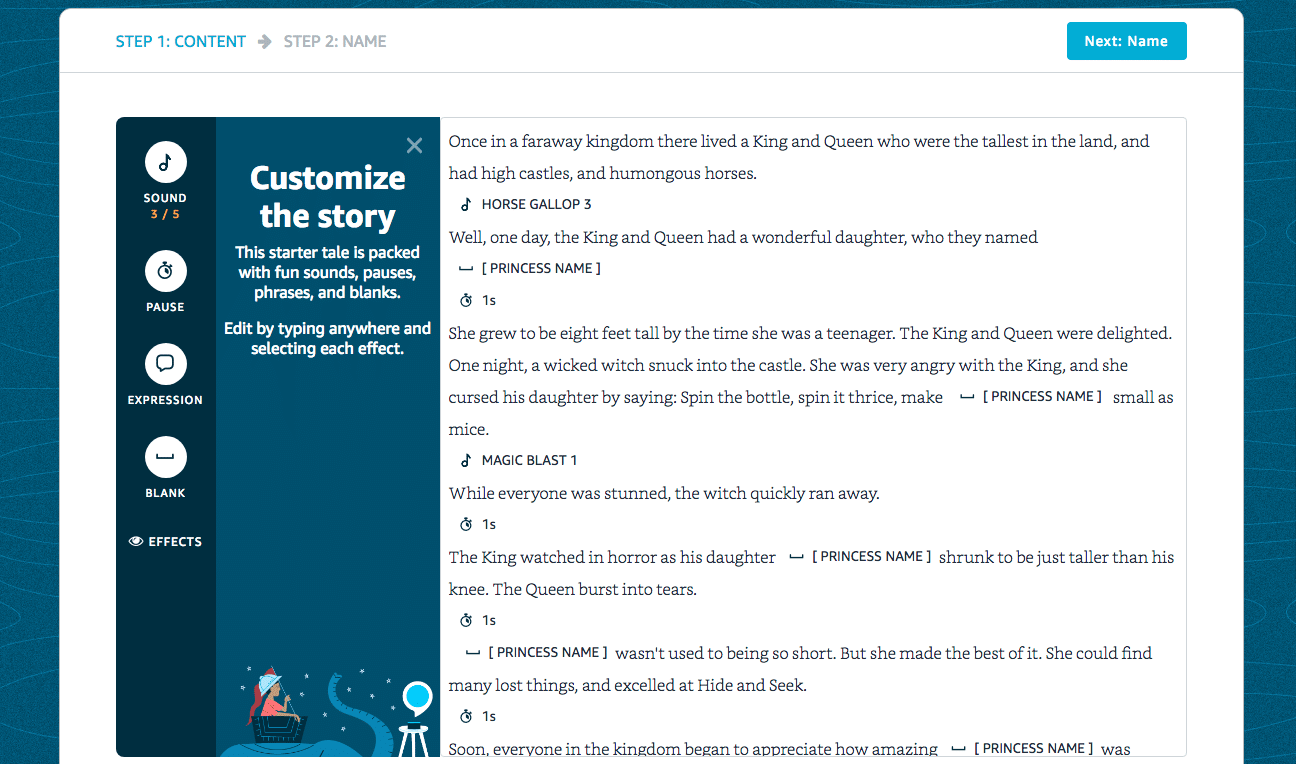
Customize Amazon Alexa Skill Blueprints “Adventure Story”
We created an Adventure Story together with the girls. You can actually change every single word in the story as well as the blanks for filling in. It’s a fun way to create a new story and have meaningful connections with loved ones. It would work well with a parent and child building a skill together. Then, the child/parent can use the skill to tell a story when another parent is traveling. We also did a fairytale which was fun for our 4 year old.
Customize Amazon Alexa Skill Blueprints “Quiz”
Our family of 6 had a great time creating a custom quiz. Using some of the easier trivia questions for kids, I plugged in the questions and the answers and we were all set for our family quiz game at dinner. The quiz only allows for four players, so we had the kids answer the questions and we just watched and offered hints to keep the game going.

I started at the Amazon Blueprints website and selected “Quiz” from the list of choices.”

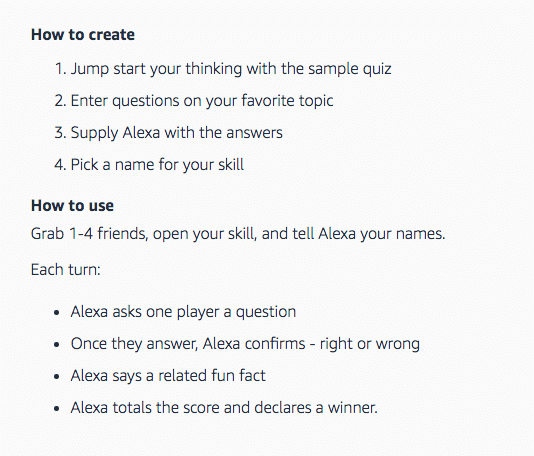
This took me to a sample quiz as well as the how to create the Blueprints quiz and how to use it.
I was then taken to “Customize the quiz” where I typed in the questions and answers from my trivia questions (go grab one or some of the 60 questions and copy them into your very own quiz for your family – use easy, medium, or hard, whatever is best for your family).

Now, here’s the key… you have to remember the name you gave your skill because this is what you will say to Alexa when you want the skill to open.
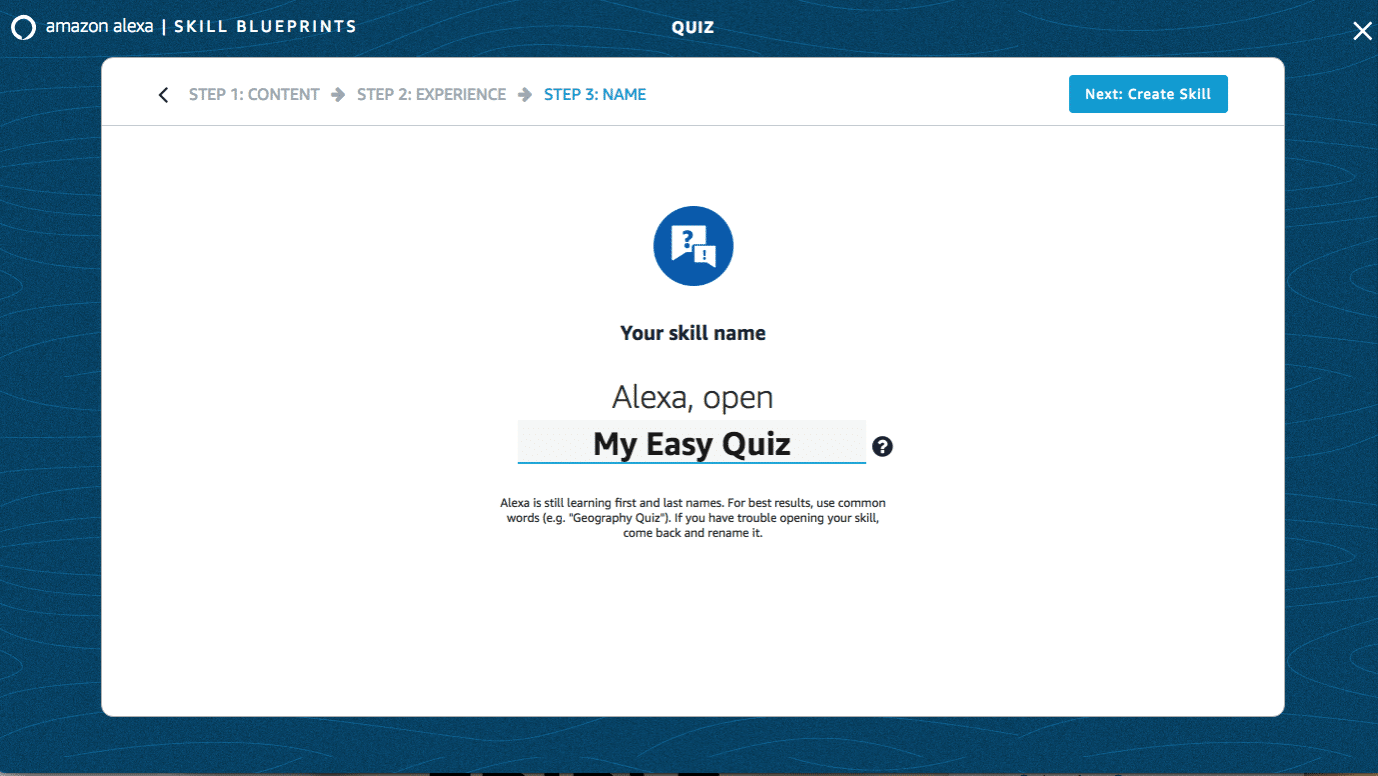
Once you’ve got your Blueprint Skill all set up, you just say “Alexa open” and then whatever you’ve called your skill and you are in business.
Check out the video below to see our Blueprints in action.

I can’t wait to try this out with my kids!
It’s so fun! I hope they come up with a way to share the trivia blueprints once you create them!
The new Alexa tower is sleek looking with the chambray-like covering. I”ll be making a chore chart this week!